MCP Server for Time Tracking: What AI Agents Can Do with Project Data
by Alexander Huber
What does an MCP server have to do with time tracking?
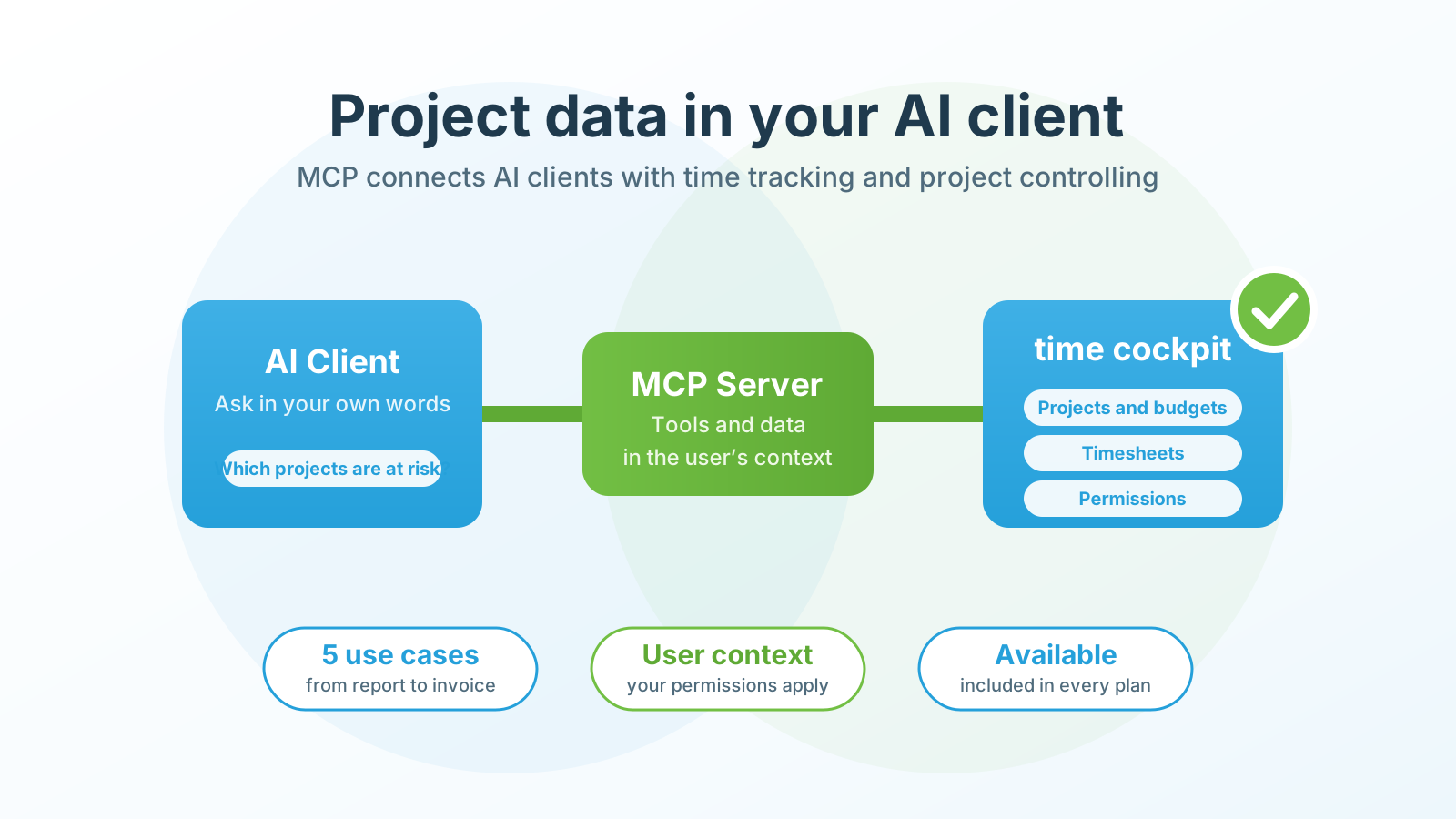
Anyone working with AI agents runs into three letters: MCP. The Model Context Protocol gives AI applications a standardized way to reach external data and tools. An MCP server provides defined resources and functions for that purpose.
At first this sounds like an infrastructure topic. For project-oriented companies it becomes concrete quickly. An agent can answer questions about project status, compile missing time entries for review or prepare a weekly controlling report. The information usually already exists in the time tracking system. MCP changes how people access that data and work with it.
That is the potential of MCP time tracking: not another chat window, but existing time, project and billing data that becomes easier to use in the context where people actually work.
The MCP server for AI assistants is available and included in every time cockpit plan. The documentation describes the setup for Claude, ChatGPT, Codex, Cursor, VS Code and Microsoft 365 Copilot. This article is about the use cases and the experience we gathered on the way there.
What is an MCP server?
The Model Context Protocol gives AI applications a standardized way to reach external data and tools. An AI application connects to one or more servers through an MCP client. Those servers can offer tools and resources. The official documentation stresses clear security boundaries and the host’s responsibility for connection approvals and authorization decisions (Model Context Protocol).
An MCP server replaces neither the time tracking system nor its business logic. It is the bridge between an AI client and the business system with its projects, timesheets, budgets and permissions.
A language model does not automatically know a company’s current projects. Nor does it know which data a user is allowed to see. The MCP server makes the intended functions of the business system accessible. Which answers and actions are possible still depends on the client, the user context and the granted permissions.
Why time tracking is an interesting use case
Time tracking is often reduced to hours. At IT service providers and consultancies it is closely tied to project management, invoicing and capacity planning. Good time data also helps with questions like:
- Which projects are approaching their time budget?
- Where are entries or approvals missing?
- Which recorded work cannot be invoiced yet?
- How did effort and budget change compared to last week?
- Which activities took more time than planned?
Classic reports remain important for that. In daily work, however, follow-up questions arise that need a new filter or export. An authorized AI agent can translate a concrete question into suitable queries and summarize the results in plain language.
New dashboards are not required first. Much of the information in time cockpit is already tabular. Through MCP, an AI application can fetch approved tables and interpret them in natural language: Which values stand out? Where are the deviations? Which projects should I look at more closely? The AI provides an interpretation; the business judgment stays with the user.
The prerequisite is a reliable data basis. An agent cannot repair missing project structures, inconsistent entries or unclear permissions with good wording. Anyone who wants to use AI for project controlling must first make sure that project time tracking and business rules work reliably.
A practical example: the reports existed, but hardly anyone looked at them
One customer already had Power BI reports based on time cockpit data. Technically the analyses were there, but in daily work hardly anyone opened them. So the customer built a small MCP of their own and made the relevant data available in Claude.
“Nobody cared about the Power BI reports. Only when we made the data available in Claude via MCP did people actually look at it.”
— Feedback from a customer project
The data was the same, the access was new: employees could ask their questions directly in their AI client instead of searching for reports and filters. Afterwards they engaged with the information noticeably more.
Sometimes a company does not need one more report but an access path that matches how people actually work. An MCP complements existing analyses by turning a static offering into a dialogue with approved data.
Five more ideas for MCP and time tracking
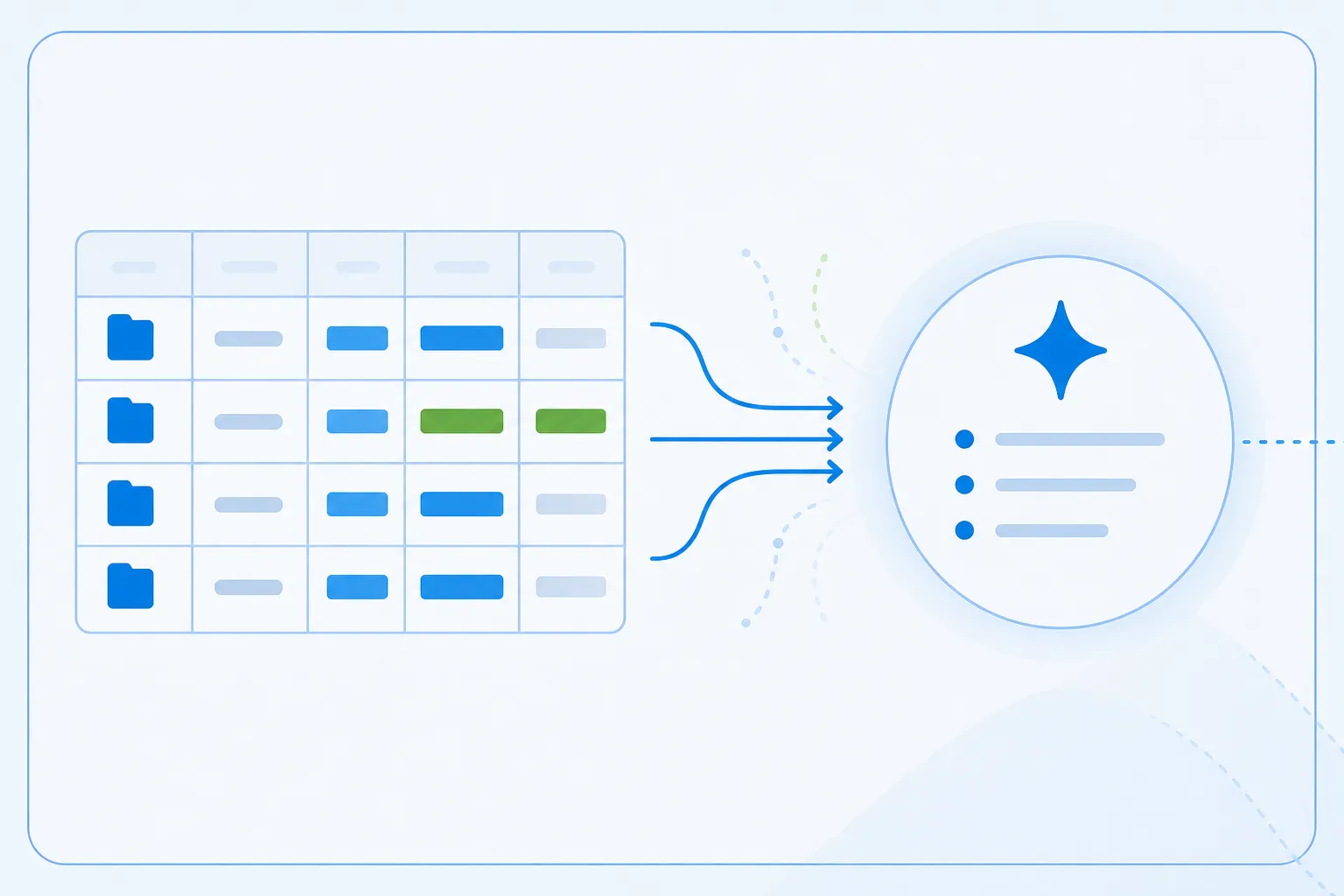
1. Let the AI interpret tabular project data
A project manager can fetch an existing table and ask: “Which projects stand out here and why?” The agent compares budget consumption, duration, booked hours or other available values and explains its interpretation.
A table becomes an understandable assessment faster. Whether a project is really at risk is still judged by the person responsible.
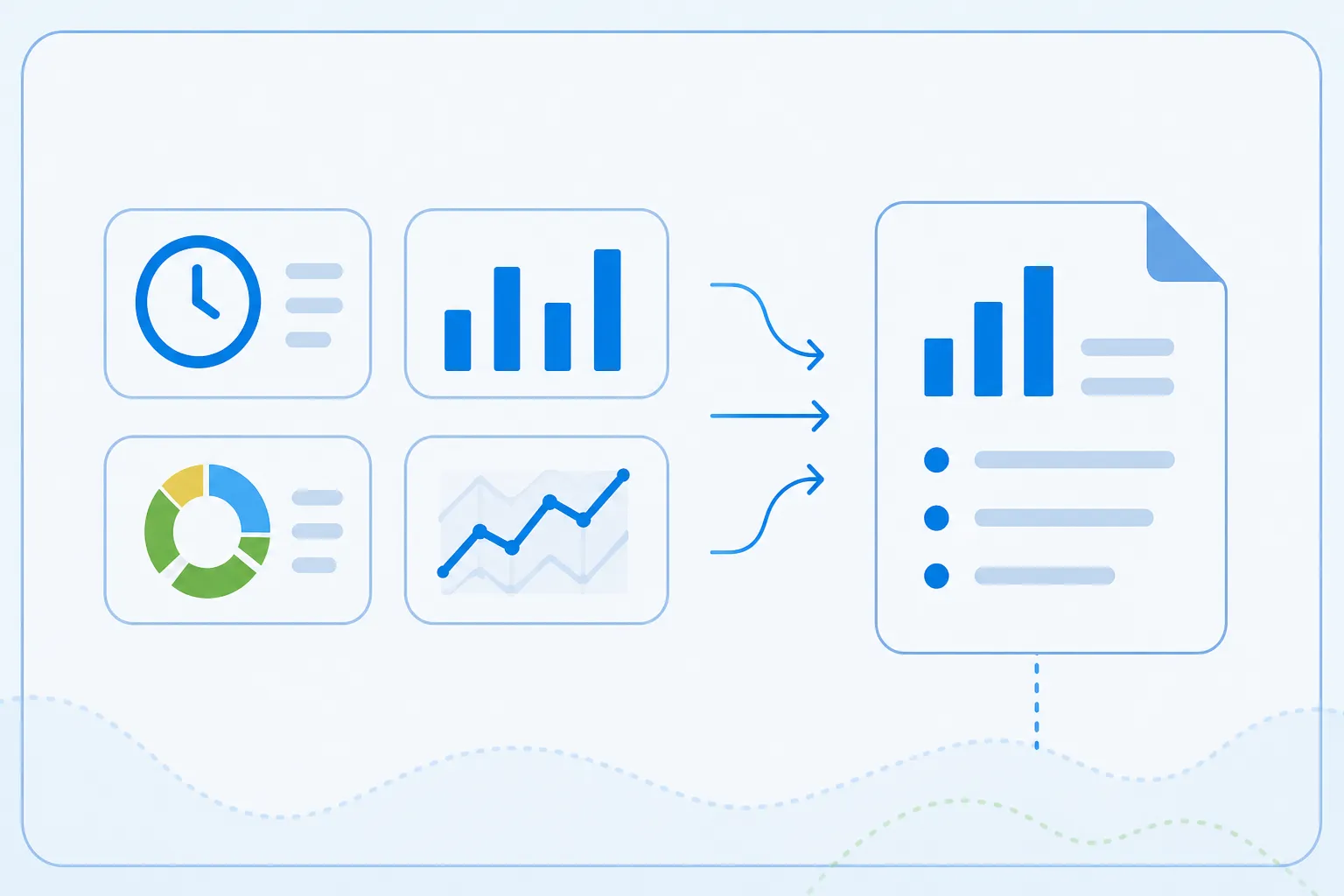
2. Prepare weekly project reports
Many project reports contain booked hours, budget consumption, deviations and open items. An agent can produce a draft from that on a regular basis.
Higher effort can be a problem, but it can also stem from work that was deliberately pulled forward. What makes sense is a draft with data, sources and anomalies. Project management or the PMO add context and release the report.
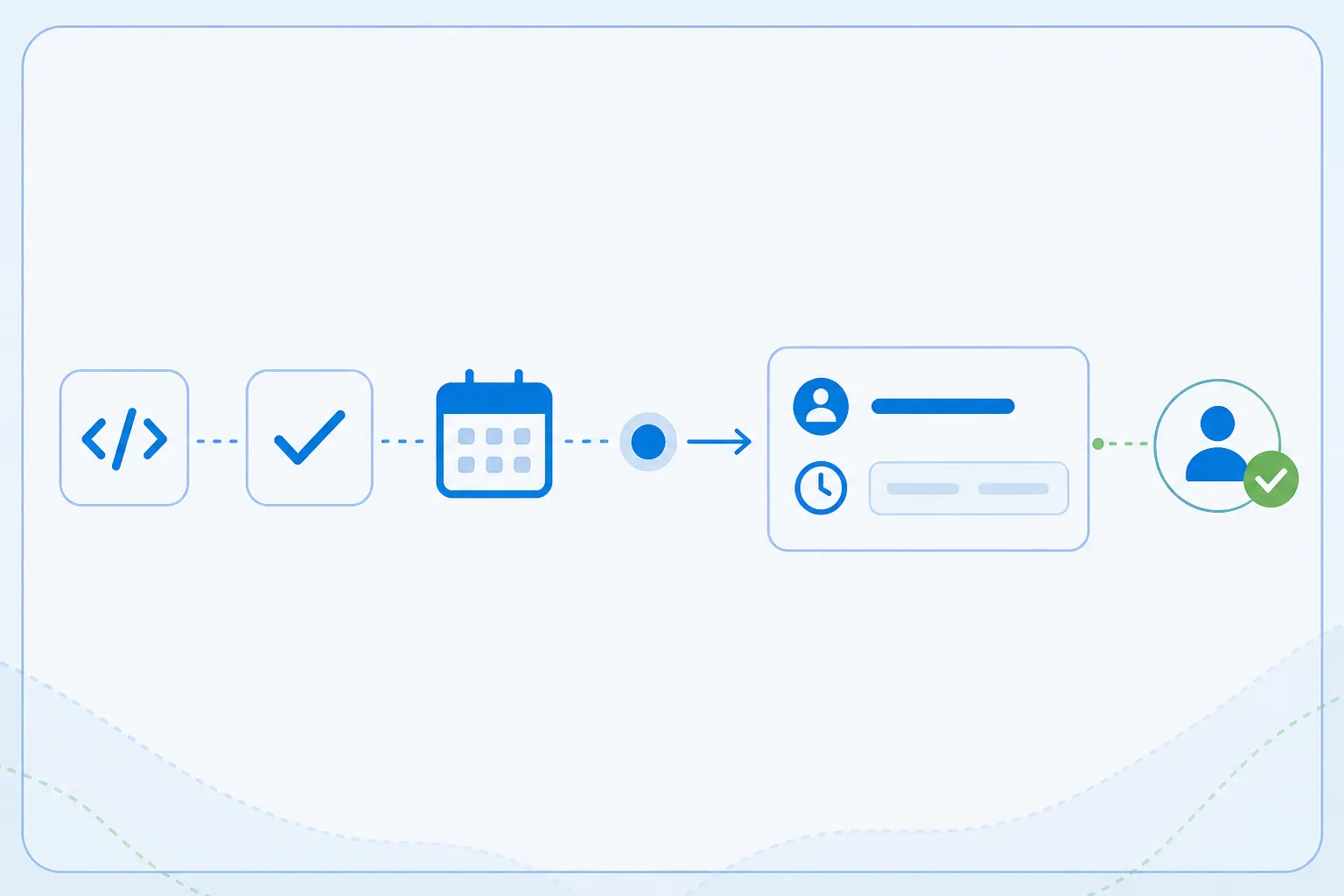
3. Suggest time entries from work context
Developers in particular switch between commits, tickets, reviews, meetings and support cases. A conceivable scenario is to let the agent check approved work information and derive booking suggestions from it.
Three commits and a ticket must not automatically become a final time entry. Assignment, duration and billability need the employee’s confirmation. The value lies in the memory aid, not in surveillance.
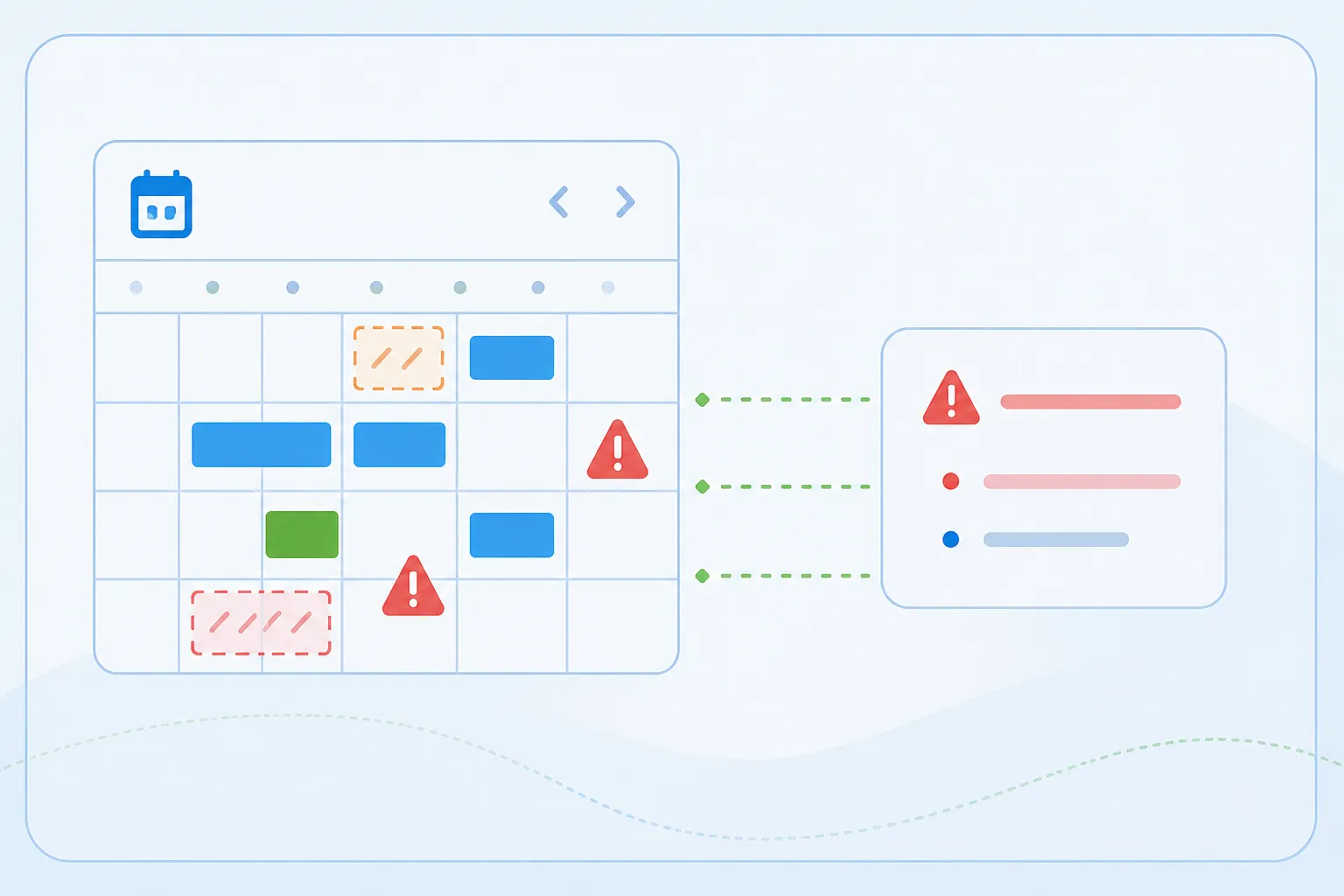
4. Bundle missing or implausible entries
A team lead can ask where entries or approvals are still missing. Instead of checking several lists, they receive targeted hints within their permissions.
The agent points to data. It does not decide whether someone worked correctly, and it does not rate performance.
5. Prepare invoicing and post-calculation
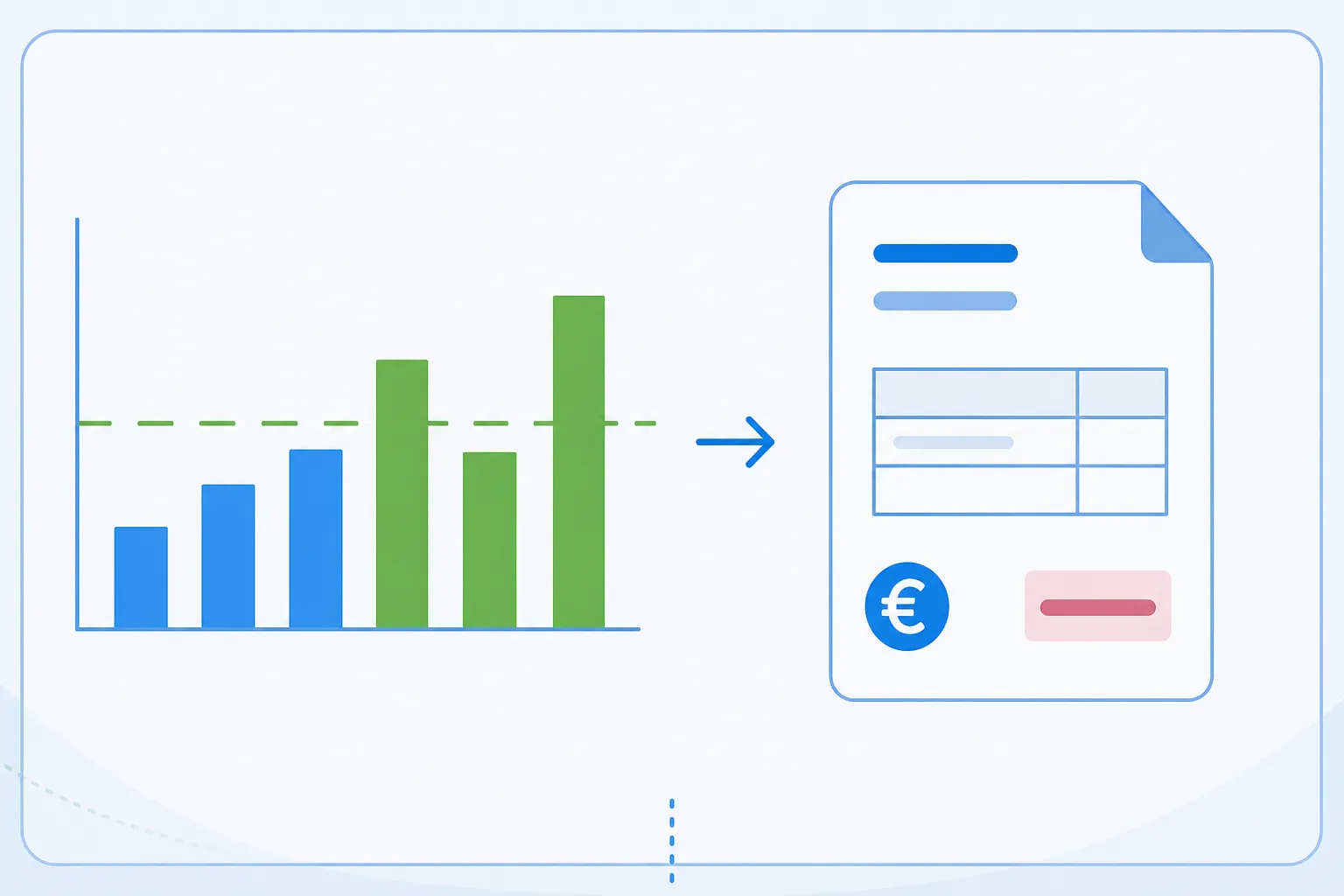
Before the month-end close the same questions return: Which work has not been approved? Which entries are missing? Where does the effort deviate from the estimate?
An agent can bundle the cases that need clarification. Invoice approvals and commercial decisions stay with the people in charge.
Why an existing API is not the same as MCP
time cockpit has a Web API with REST and OData access, TCQL queries, lists, approved actions and reporting functions (time cockpit Web API). Integrations can already be built on the time cockpit Web API.
MCP does not replace that API. The MCP server uses its business capabilities and exposes them in a form that MCP-compatible AI clients understand. That is an important distinction:
- The API remains the technical and business foundation.
- The MCP server describes the available data and tools for AI clients.
- The AI client translates a user request into suitable tool calls.
- time cockpit processes the query or action within its rules.
The advantage is a new way to address existing functions in the working context of a user.
Authentication and permissions are not a detail
Time entries, absences, project budgets and billing information are sensitive company data. An MCP server must therefore never become a side door around existing permissions.
The time cockpit MCP follows a user-based model. Sign-in uses OAuth 2.1 with PKCE against the customer’s Microsoft Entra ID, and access runs in the context of the signed-in user. The permissions stored in time cockpit therefore apply when an AI client accesses the data as well. Anyone who is not allowed to see or change a project value in time cockpit cannot do so through MCP either. Writing tools first describe the intended change and execute it only after confirmation; a read-only mode hides them entirely.
In addition, the customer’s Microsoft Entra administrator has to approve the access with a one-time app registration (guide). Which consent users may grant themselves and when an administrative approval is required can be controlled in Entra (Microsoft Learn).
These layers must not be confused:
- The customer decides whether the MCP application is approved in their own Entra tenant.
- The user signs in with their personal identity.
- time cockpit checks that user’s permissions for queries and actions.
- The AI client additionally needs transparent confirmation mechanisms for sensitive actions.
MCP alone makes access neither secure nor compliant with data protection law. For protected remote MCP servers the specification defines standardized OAuth authorization and a check that an access token was actually issued for that MCP server (MCP Authorization). The time cockpit MCP adds the existing permission model on top: queries and actions run in the context of the signed-in user.
How companies can start with a first MCP use case
A sensible start begins with a clearly delimited, easily verifiable use case. An additional permission concept is not required: the MCP works in the context of the signed-in user and inherits their time cockpit permissions.
Other questions help when choosing the first use case:
- Which concrete question or task should the agent take over?
- Which existing time cockpit table, list or action provides the basis?
- Should the AI only interpret data or also prepare changes?
- Which changes must users confirm explicitly?
- How does the chosen AI client process the transmitted data?
- How do we recognize whether the use case is actually useful in daily work?
Letting the AI interpret a tabular analysis is an easy entry point. From there the scope can grow step by step. time cockpit’s customizable data model helps here: projects, fields and rules can differ between companies without requiring new integration logic for every data structure.
Conclusion: MCP makes project data usable in the right context
An MCP server for time tracking is not an AI feature that produces reliable project controlling at the push of a button. It is a standardized connection between an AI client and a business system. The value only emerges from the interplay of good data, understandable tools, personal permissions and human control.
For project-oriented companies the scenarios are concrete: make existing reports easier to reach, query project status, prepare weekly reports, generate booking suggestions or bundle open questions before invoicing. Exactly this combination of existing data and newly phrased tasks is what makes MCP interesting for us.
The time cockpit MCP server is included in every plan. What it can do, which clients it supports and how the three-step setup works is on the MCP server for AI assistants page; example prompts by role are in the documentation. We are less interested in the spectacular demo than in the question of which use cases deliver reliable value in real project work.
If you want to evaluate a concrete use case for AI-supported project controlling or MCP time tracking, you can discuss the scenario with us.
