Why Project Time Tracking Delivers More than a Time Clock
by Alexander Huber
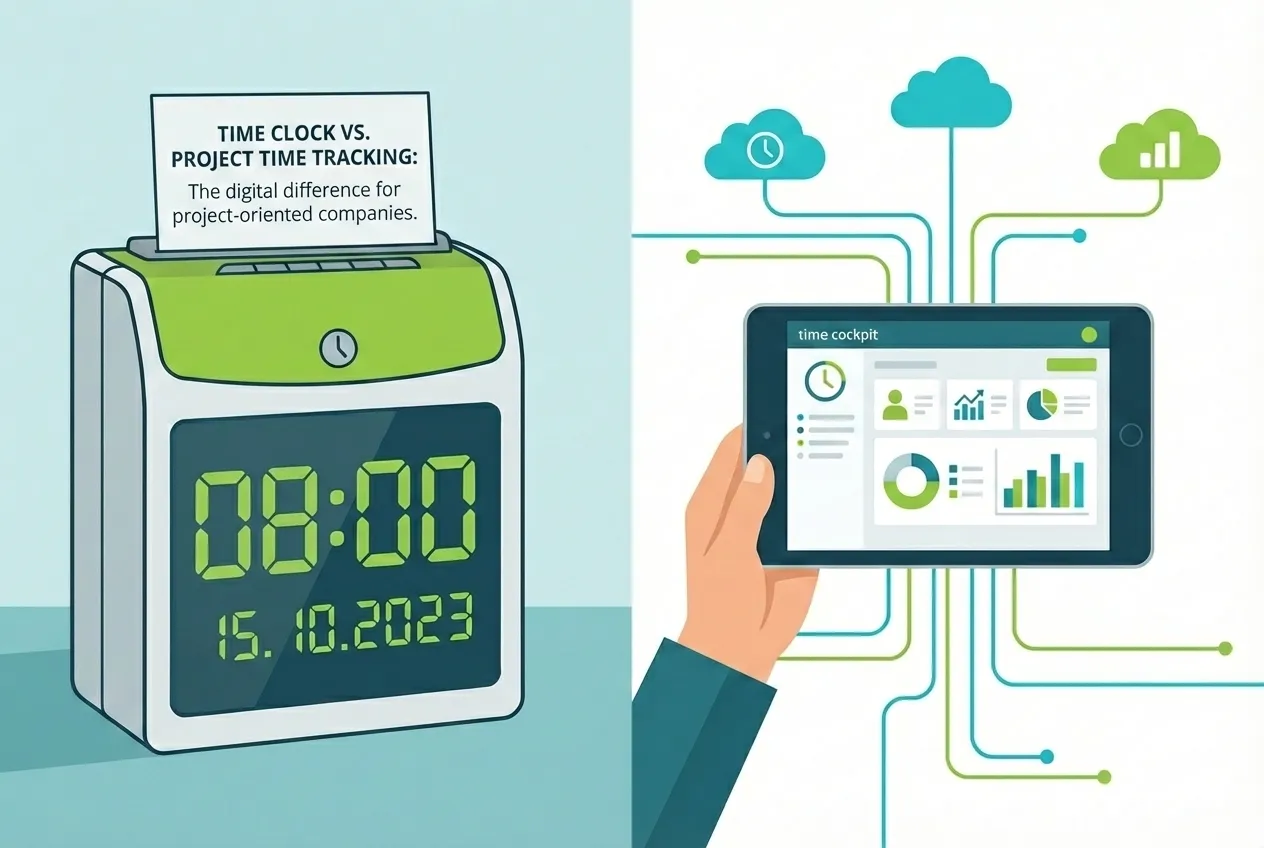
When time tracking is discussed, many still think of the time clock: a card, a beep, done. In our work environment, which has become hybrid, mobile, and knowledge-intensive, this equation simply leads us astray.
For companies that sell projects or services and deliver results, project time tracking is not a ‘nice to have’, but the engine for transparency, billing certainty, controllability, and growth. In this article, we try to explain soberly from our experience why the time clock has its place, but digital time tracking with project context makes the difference and how time cockpit solves this practically.
ℹ️ Reading tip: How much context matters is shown by metrics from project time tracking, such as utilization, billing ratio, or contribution margins. An overview is provided in our article on important metrics from project time tracking data.
What the Time Clock Can Do and Where It Reaches Its Limits
Historically, the time clock was built for manufacturing, shift work, and attendance control. It documents start, end, and breaks. For payroll in an hourly model, that’s solid. But in project-oriented environments without a fixed location and with changing tasks, the context is missing: What were the hours for, which customer, which task, was the time billable?
This is exactly where digital time tracking with project reference comes in.
Why the Time Clock Is Not Enough for Project Work
A project needs answers that a time clock cannot provide. Without project time tracking, project controlling remains blind, post-calculation becomes guesswork, and billing certainty depends on individual memory. Those who only measure attendance can hardly prove value, quality, and profitability, let alone proof of service to the customer.
What Modern Time Tracking Must Deliver
Modern project time tracking answers not only “how long?” but above all “on what?”. It assigns working time to projects, tasks, and effort types, distinguishes billable versus internal, and thus provides the foundation for project controlling, post-calculation, and forward-looking capacity planning. It works everywhere: in the office, on the road, at the customer’s site, in the home office, where hybrid work is everyday reality. A stationary time clock at the entrance helps little; digital time tracking with apps and web access does. And it links time with value: budget consumption, progress, risks. This creates early warning signals and reliable proof of service, the basis for transparent customer conversations and plannable margins.
When we talk about hybrid work today, we don’t just mean “a bit of home office”. In research, hybrid work is described as a work model with flexible work locations that combines on-site work, home office, and other mobile work forms and must be consciously organized (cf. MDPI, Administrative Sciences).
What’s crucial: hybrid work is less a location issue than an organizational issue. Studies show that hybrid work models primarily create new requirements for collaboration, communication, and coordination. Work happens more distributedly and asynchronously, coordination shifts to digital tools like calendars, ticket systems, chats, and virtual meetings (cf. SpringerLink).
These organizational changes directly affect the recording and evaluation of work. Through hybrid work forms, attendance and performance coincide less often, the context between projects, tasks, and activities changes more frequently, and without clear assignment, ambiguities quickly arise in budgeting, billing, and proof of service (cf. SpringerLink).
Our Approach: Time Tracking That Fits the Work
Especially in hybrid and knowledge-intensive work forms, it’s difficult to keep track of all activities and capture them completely. Many tasks arise distributed throughout the day, change context frequently, and are difficult to reconstruct in hindsight. This is exactly where activity tracking comes in.
The Activity Tracker functions like a digital assistant that runs automatically in the background and accompanies the workday in a structured way. It collects local activities and presents them clearly as a personal activity log – exclusively as a memory aid for later time booking.
Time cockpit displays the data collected by the Activity Tracker graphically in the time tracking calendar (e.g., open files/windows/applications, calendar, emails, etc.) and helps with remembering: “What did I actually do today?” The person decides what to book. This is not surveillance, but a work facilitation that makes seamless project time tracking possible.
Special focus is on security and privacy: The activity log is stored encrypted and is highly secure and exclusively visible to the individual person. There is no automatic transmission to supervisors or third parties – full control and transparency always remain with the user.
ℹ️ Note: Activity tracking requires a separate component that must be installed locally on the respective device. Only this installed application enables automatic capture of activities and provides the personal, encrypted activity log. See our documentation.
Project and Task Reference Instead of Pure Attendance
Every time gets context: Project >> Task >> Activity >> Effort Type. This ensures clean billing and makes post-calculation realistic. At the same time, digital time tracking remains fast: template bookings, modern calendar with shortcuts and modern interaction paradigms, mobile capture. Those who sell results need more than a time clock.
Fine-Grained Evaluations That Support Decisions
With reports at project and task level, project time tracking delivers the metrics that managers really need: billing ratio, contribution margin, plan-actual deviations, forecasts.
Reading tip: Which metrics really make project time tracking meaningful, from billing ratio to contribution margin to plan-actual deviations and forecasts, is shown in detail in this article:
👉 Important Metrics from Project Time Tracking Data
Future-Proof: Compliance Without Bureaucracy
Whether EU regulations or national rules: digital time tracking creates reliable data and automatic checks to ensure working hours, breaks, and premiums are maintained. For leadership teams, this means: less discussion, more evidence, and proof of service that equally supports invoices, audits, and project controlling.
It’s clear: In the European Union, a time recording obligation is legally anchored: The European Court of Justice (ECJ) has clarified that employers are obligated to establish an objective, reliable, and accessible system for recording daily working time. This duty also exists in Austria, as explained in this article: Working Time Recording Obligation in Austria. Digital systems automatically fulfill these requirements and simultaneously reduce administrative effort.
Where the Time Clock Shines
The time clock remains useful in shift operations, production, and access systems: simple, robust, cost-effective. Those who need to manage attendance get a basic system. For project-oriented companies with consulting, development, or creation, however, that’s not enough: there, project time tracking decides about planability, margins, and growth. Modern digital time tracking can connect access and projects, but doesn’t have to.
A time clock not only provides information about working time but also implicitly about the presence of people in the building or on the premises – it shows who is there and who is not. This is not only organizationally relevant for companies but also an advantage from a security and emergency perspective: In case of fire or evacuation, it can be determined more quickly whether people are still in the building, which facilitates coordination with emergency and rescue services and is part of the operational duty of care. Especially larger companies therefore still rely on stamp or time recording terminals, particularly when they employ both production employees and white-collar workers.
In such organizations, there are often internal IT or administrative departments whose times are not billed to external customers; here, the data from the time clock primarily serves as the basis for payroll. At the same time, this model is often not sufficient: If companies must additionally carry out internal service allocation – for example between departments, cost centers, or internal projects – pure attendance recording falls short because it provides no information about what the time was actually used for. This requires project or service time tracking (see: Project Time Tracking Meets Internal Service Allocation).
ℹ️ Some of our customers therefore opt for a hybrid approach: They record their times seamlessly in time cockpit (project time equals attendance), additionally import the data from the time recording terminal, and thus ensure that both complete attendance and content-related assignment of working time are correctly mapped.
From Clocking In to Steering – The Way There
Important upfront: If project and attendance time tracking are to be mapped via a single system, the basic rule “project time = working time” applies. This requires seamless booking. “Project” does not only mean customer or billable projects, but also internal activities such as administration, marketing, HR, or internal IT – each as separate internal projects. If booking gaps arise, these are systemically interpreted as non-worked time. This is precisely why completeness is not a detail question but the foundation of this approach.
On this basis, the transition succeeds when context comes first and technology follows it. Define a project structure (Project → Task → Activity → Effort Type) and determine what counts as billable, which budgets are monitored, and which metrics your project controlling really needs (e.g., billing ratio, plan-actual deviations, forecast). Then set up roles and rights so that internal and external employees see and book exactly what they should – no more, no less. For hybrid work scenarios, combine fast capture (browser-based and graphical) with activity tracking as a memory aid, without surveillance: suggestions help, the person decides. This turns time tracking into a steering instrument – transparent, legally compliant, and accepted.
Conclusion: Away from Attendance, Towards Context
The time clock is not wrong, just too coarse for work that creates value in projects. Project time tracking delivers context, billing certainty, and controllability, makes budgets forward-looking and teams resilient, and capacity planning cleanly steerable. Or in short: without data no trust, without context no steering. Those who now switch from attendance to context gain an advantage.
ℹ️ Related reading: For a detailed look at the decision between one integrated system vs. separate systems for attendance and project time — including data protection, governance, and practical decision criteria — see Employee vs. Project Time Tracking: One system or separate?
At a Glance
The successful transition from pure attendance recording to project time tracking requires a structured approach. The following overview shows the essential steps from concept to productive use – with special focus on the central basic rule “project time = working time”, which requires seamless booking.
| Phase | Action | Key Content |
|---|---|---|
| Basic Rule | Project Time = Working Time | Seamless booking required; capture all activities (including administration, marketing, HR, IT) as internal projects |
| Project Structure | Define project structure | Hierarchy: Project → Task → Activity → Effort Type |
| Controlling | Define KPIs & budgets | Define billability, budget monitoring, metrics (billing ratio, plan-actual deviations, forecast) |
| Permissions | Set up roles & rights | Employees (internal/external) see and book only relevant projects |
| Capture | Tools for hybrid work | Mobile/browser-based app, activity tracking as memory aid (without surveillance) |
| Test Operation | Iterative optimization | Test real projects, refine fields/forms, check exports/API, calibrate dashboards |